Marketplace

Themes for your Rocket League overlay

Made by the community, installed in RL-UI in one click. Free, and without a line of code: a theme is only data and images.
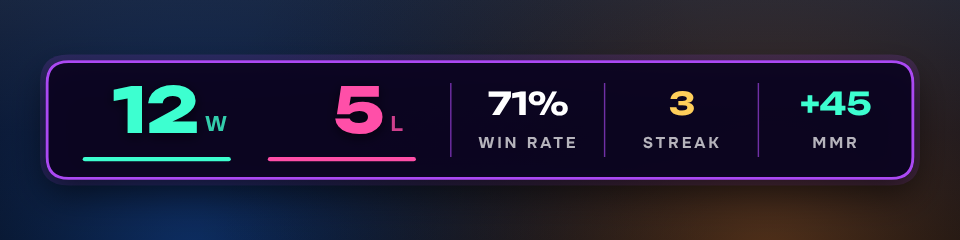
Neon Night by RL-UI

All themes

Neon Night

RL-UI

A dark plate with glowing violet edges and bright mint and pink numbers. Made for night streams.

NeonDark 7 7 installs0 0 likes

Scoreline

RL-UI

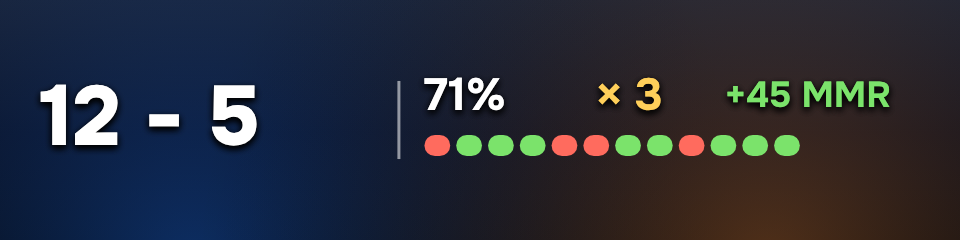
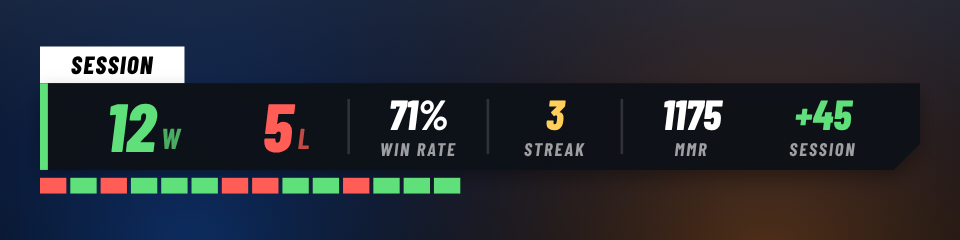
A tight broadcast bar: record, win rate, streak, current MMR and what the session changed. Condensed type that stays readable when small.

CompetitiveEsport 4 4 installs0 0 likes

Sideline

RL-UI

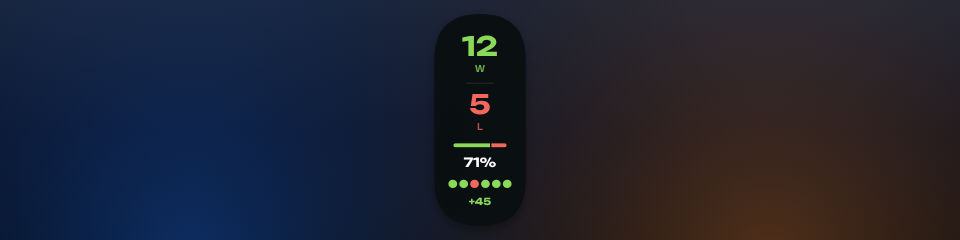
A narrow pill for the edge of the screen: wins, losses, win rate and the last matches, one under the other.

VerticalCompact 3 3 installs0 0 likes

Clean Line

RL-UI

No plate at all: the record, the win rate and the last matches, drawn straight on the game. Takes almost no room.

MinimalCompact 3 3 installs0 0 likes

Arcade

RL-UI

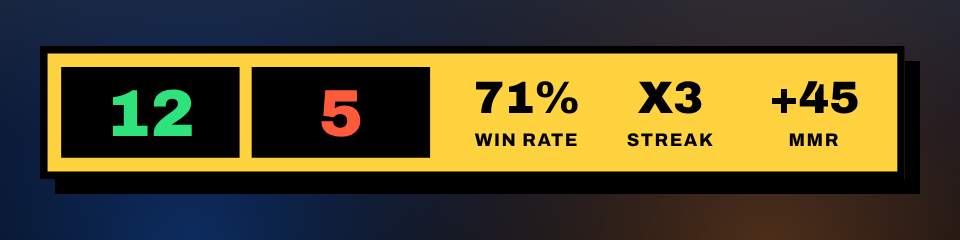
Thick black outlines, a yellow cabinet and a hard drop shadow, like an old score screen.

RetroColorful 1 1 install0 0 likes

Daylight

RL-UI

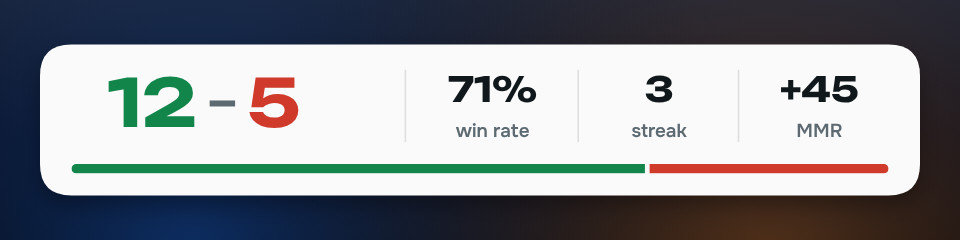
A white card with dark ink, for bright stream layouts. Greens and reds are deep enough to stay readable on white.

LightMinimal 0 0 installs0 0 likes

Broadcast

RL-UI

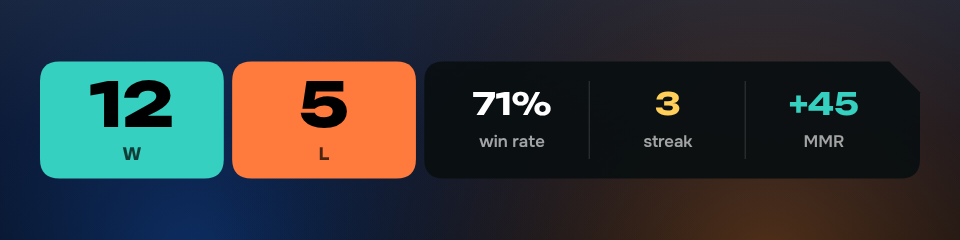
Two solid blocks for wins and losses next to a dark plate with a cut corner. Reads from far away, like a match scoreboard.

EsportCompetitive 0 0 installs0 0 likes

Make your own, share it

The RL-UI editor works with the mouse: place the elements, pick the colors, see the result right away.

Publish a theme
  1. ComposeIn RL-UI: Overlays → Themes → Create a theme.
  2. ExportThe "Share" button checks the theme and exports it as a .zip.
  3. PublishDrop the .zip here: it is checked and goes online right away.